Creating a Project
Overview
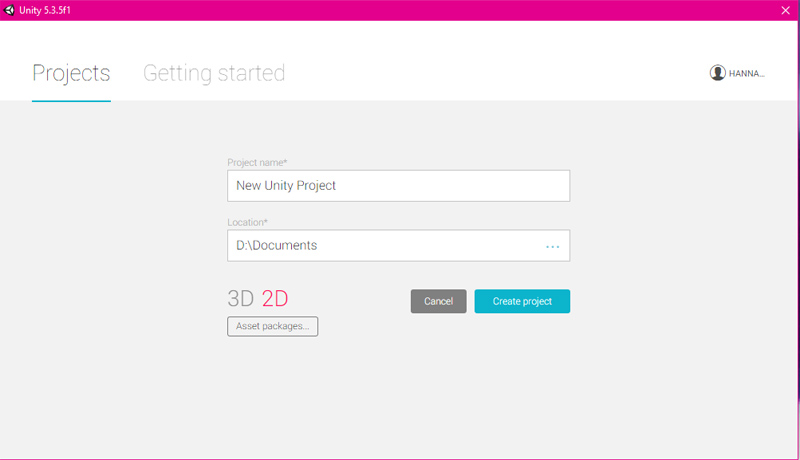
When Unity is started on your PC, a pop up window will appear.
When Unity is started on your PC, a pop up window will appear.
This is where you create a new project. To create a new project, click on the New button. Put in a project name and choose a location for the project files to go. Choose 3D for the assets. Click Create Project.