VoiceZone
Usage
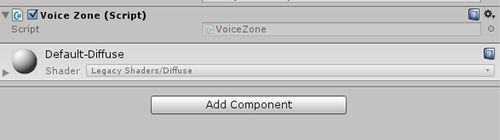
Create an empty object and add voiceZone component to it.
Add a box collider, click on edit constrains to scale the collider to desired area and check is trigger.
The voice will get enabled for the avatars entering this area.
Note: This component Only works on desktop client.